Login to your Ariba Account either through the email notification sent to
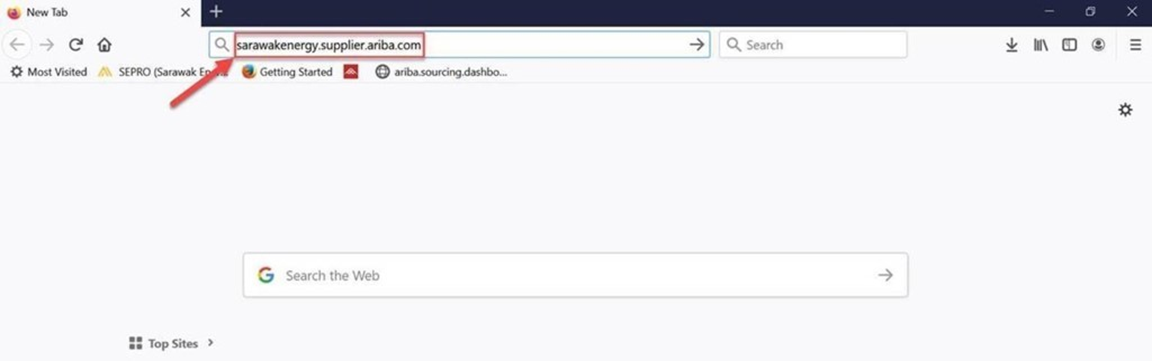
you or you can use SEPRO login site link: sarawakenergy.supplier.ariba.com
1. Type in the link (sarawakenergy.supplier.ariba.com) in your browser’s search bar.
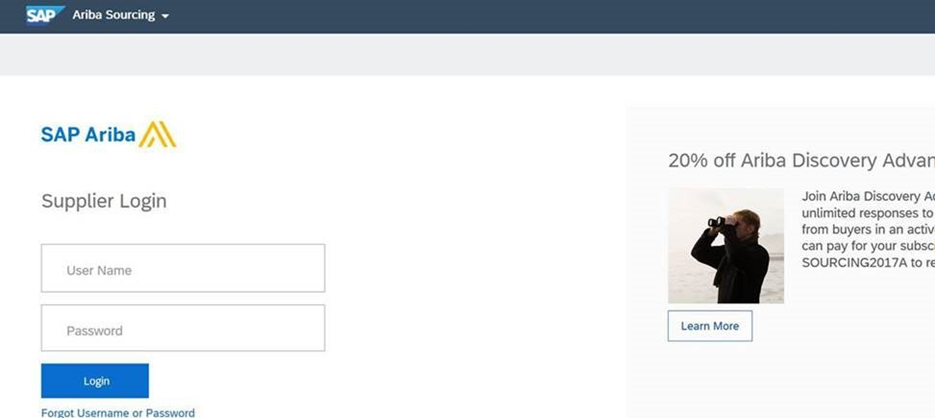
2. Enter your username and password to access your account.
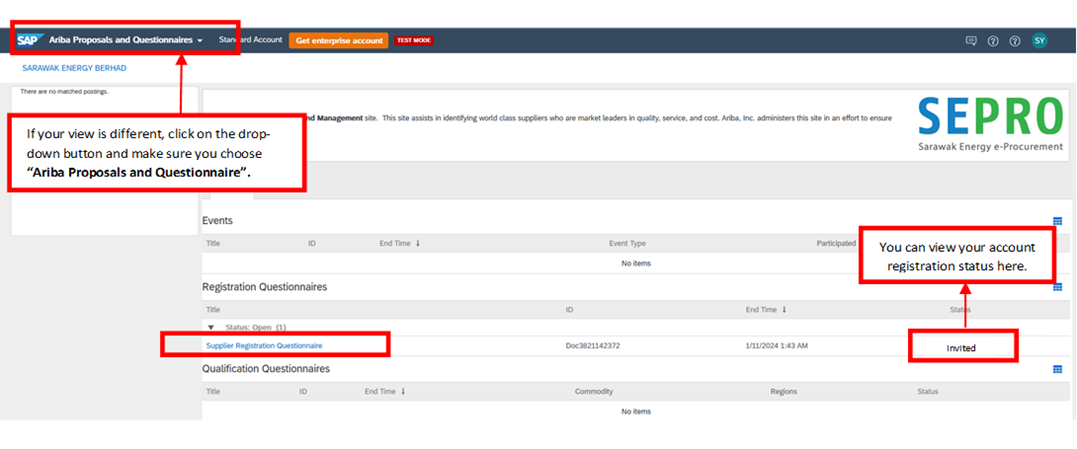
3. Once you are in the dashboard, click "Supplier Registration Questionnaire" and you will be able to see your registration status.
Type of registration status:
Invited: The supplier has been invited to register in Ariba but has not yet completed and submitted the registration.
Pending Resubmit: The supplier submitted the registration, but changes are required before SEPRO Team approval.
Registered: The supplier’s registration has been approved, and the supplier is fully active in Ariba.